Position: Fixed
DISPLAY AND POSITIONING
When an element’s position is set to absolute, as in the last exercise, the element will scroll with the rest of the document when a user scrolls.
We can fix an element to a specific position on the page (regardless of user scrolling) by setting its position to fixed, and accompanying it with the familiar offset properties top, bottom, left, and right.
position: fixed;
top: 0px;
left: 0px;
}
In the example above, the .title element will remain fixed to its position no matter where the user scrolls on the page, like in the image below:
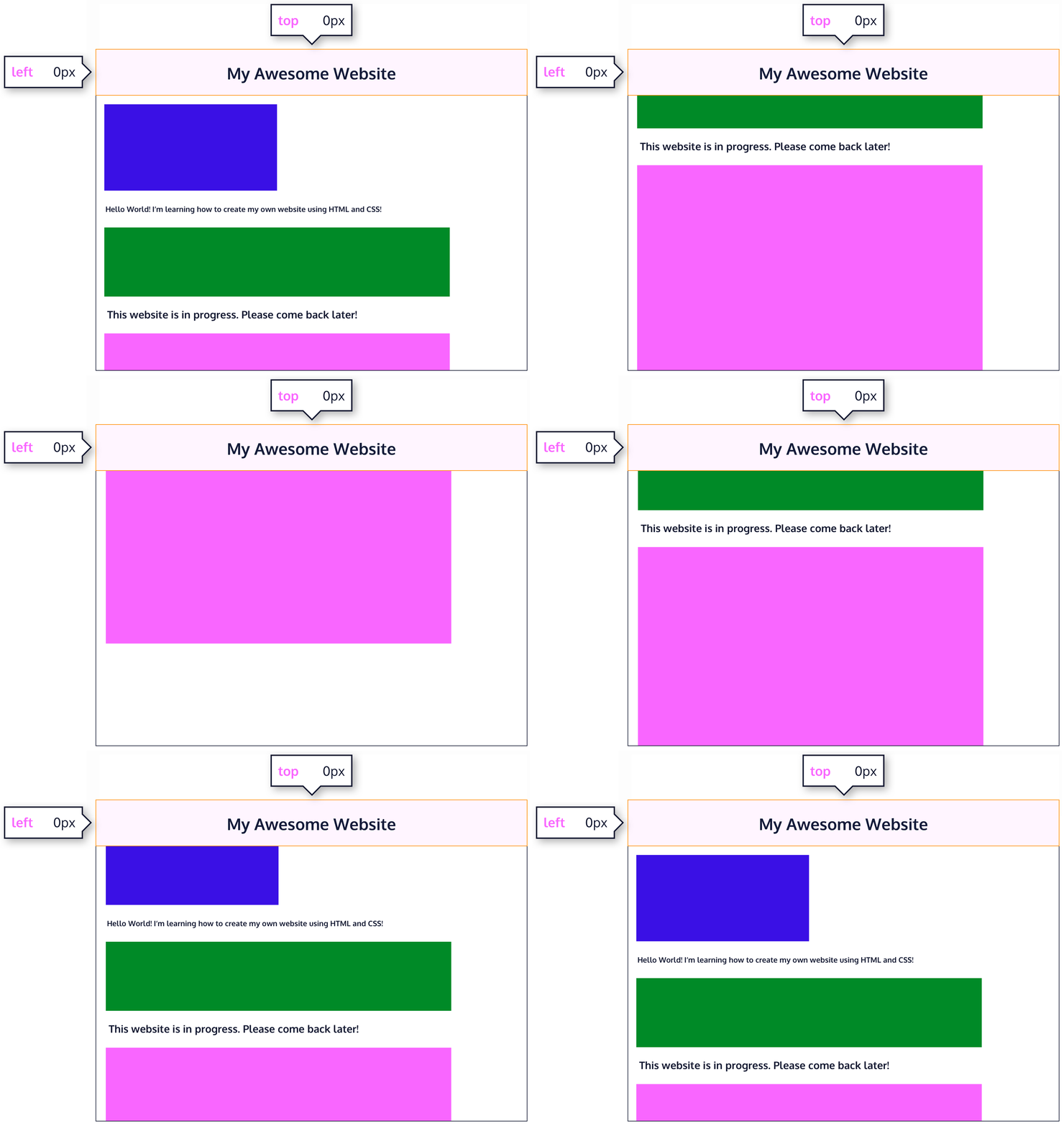
This technique is often used for navigation bars on a web page.
Comments
Post a Comment